

Quick Specs
Watch the Review
DCENT S Review, Unboxing and Setup Tutorial
Pros & Cons
Pros
- One of the cheapest true cold wallets at $59, with a dedicated backup card already in the box
- Setup takes about 2 to 3 minutes through the DCENT app
- Seedless backup via the R3covery card, with an optional 24-word seed phrase during setup
- R3covery card is recovery-only and cannot sign transactions on its own
- Separate PIN on the main card and a different PIN on the backup card
- EAL6+ secure element; private keys generated on-card with a hardware TRNG and never leave the chip
- No battery, no charging, no cables, no pairing. Tap NFC and sign
- IP69 dust and water rating and -30 to +50 celsius operating range
- 100+ blockchain networks and 10,000+ tokens added through the app without updating card firmware
- Strong XRP and XLM integration, including XRPFi dApps while keys stay offline
- IoTrust has been shipping hardware wallets since 2018 with 1 million+ users across 220+ countries
Cons
- Brand-new model (July 2026), so this specific card has almost no long-term field history
- No on-device screen: you confirm addresses and amounts on your phone
- NFC-only: you need an NFC phone, and there is no cable or desktop workflow
- Not air-gapped: the phone app builds the transaction and the card only signs over NFC
- No duress PIN
- You cannot create your own seed phrase with dice rolls or another offline entropy method
- Firmware and hardware designs are not fully open source
- Losing both cards and both PINs without a written seed phrase means funds are gone
- The recovery-card PIN is critical; if that PIN is lost and you did not export the seed, the backup card is useless
The DCENT S is a brand-new card-format cold wallet from DCENT that launched in July 2026. It is DCENTs first new hardware lineup in about eight years, and it is aimed at people who want self-custody without carrying a gadget, charging a battery, or writing 24 words on paper unless they choose to.
DCENT is made by IoTrust, a South Korean company founded in 2017 by former Samsung security engineers. They launched their first hardware wallet, the DCENT biometric wallet, in 2018 as the worlds first biometric hardware wallet. Since then they have grown to over 1 million users across more than 220 countries.
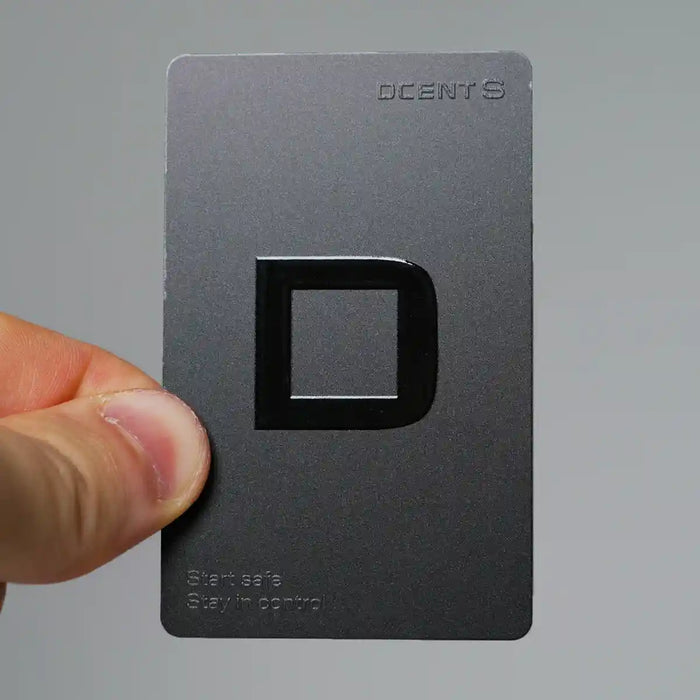
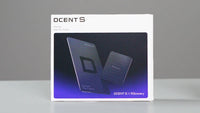
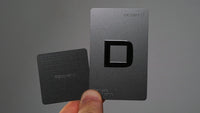
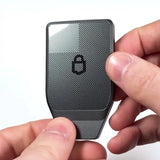
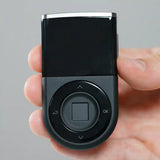
The DCENT S is card-shaped, weighs almost nothing, has no battery, no buttons, and no Bluetooth. You only use it by tapping it against your phone through NFC. Security is built around an EAL6+ certified secure element, the same high standard used in biometric passports and bank cards. Every kit also includes a R3covery backup card. That card replaces the traditional paper seed phrase for most users. You can still export a 24-word seed during setup if you want a third recovery path.
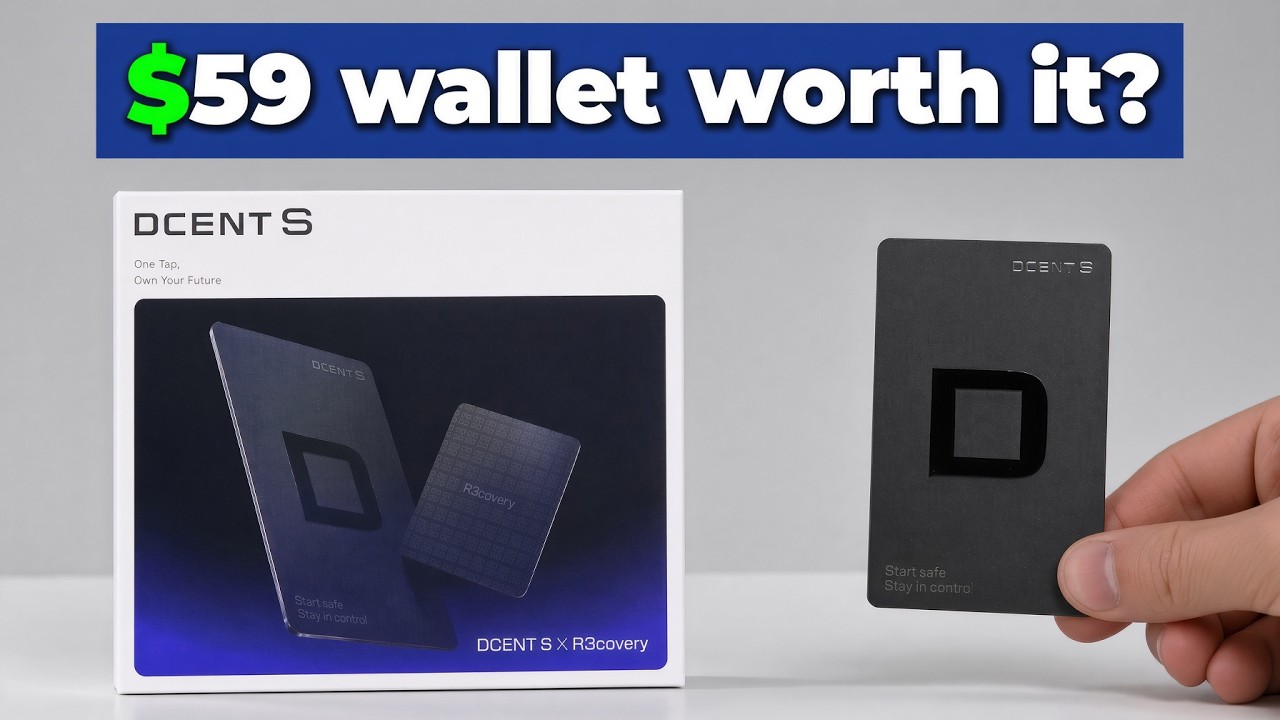
The standard store price is $59 for the full kit, which includes the main card and the recovery backup card. The discount link on this page brings it to $53. It comes with a 30-day money-back guarantee and a one-year warranty. At $53, the DCENT S is one of the most affordable hardware wallets on the market.
Physical Design
Both cards look like regular credit cards. IoTrust rates the card IP69 for water and dust resistance and designs it to work from -30 to +50 celsius. That is a real practical advantage over plastic-and-screen wallets that hate rain, dust, or a hot car.
Setup
All setup is done in the DCENT app on iPhone or Android. Install the app, choose create wallet, pick DCENT Card Wallet, then tap the main S card to the back of the phone. Set a PIN that lives only on the card. That same PIN is also required when you back up onto the recovery card. After the main PIN is set, you tap the R3covery card, enter the S PIN, tap the S card again, and set a different PIN for the backup card.
Backup and Recovery
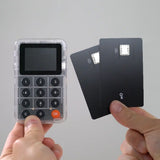
That second PIN matters. If you lose it, you cannot restore from the recovery card. Write both PINs down and store them away from the cards. The recovery card then holds an encrypted backup of the private key. If the main S card is lost, stolen, or damaged, you tap the recovery card to restore access. The recovery card cannot sign transactions by itself. A thief who finds only the backup card still cannot drain funds. They would need the main card plus its PIN, or the recovery card plus the recovery-card PIN.
If you also want the classic 24-word backup, you have to export it during setup. After that screen is gone, you cannot pull the words later. That optional seed is the extra safety net if you lose both cards or both PINs.
The strongest setup is straightforward. Use a strong PIN on the S card and a different strong PIN on the R3covery card. Write both PINs down and keep them away from the cards. Keep the recovery card in a different physical place from the main card. Home for the daily card, a bank box or trusted family safe for the backup. If you want the maximum fallback, also write the 24-word seed once during setup and store that copy separately.
Daily Use
The whole first-time flow takes about two minutes. After that, sending is just as simple. You build the transaction in the app, enter the S PIN, tap the card, and it is done. I sent BNB on BNB Smart Chain this way and the tap-to-sign step is closer to a contactless payment than to a traditional hardware wallet.
Trade-offs
The trade-off is the missing screen. Everything is displayed on the phone, so a compromised phone could in theory show the wrong address. That is real blind-signing risk. It is also still mostly theoretical for this category. There are millions of card wallets in use, and I have not seen a documented case of a user being drained solely through that display-swap attack on a card wallet. If a trusted display matters more to you than slim daily carry, DCENTs biometric wallet with an on-device screen is the better sibling.
This is also not an air-gapped wallet. The phone prepares the transaction and the card signs it over NFC. There is no duress PIN, and you cannot roll your own seed with dice. Those missing power-user options are why the value score is very high without sitting at the very top of the category.
Coin Support
Coin coverage is broad enough for almost anyone. The official claim is 100+ networks and 10,000+ tokens, added through the app rather than card firmware. New chains do not require you to update the plastic. That is a genuine security plus on this model: DCENT S has no firmware update path, so a malicious firmware push cannot rewrite the card.
Where DCENT stands out right now is XRP and XLM. The same DCENT app used by the S card has an XRPFi discovery section with direct access to ecosystem apps such as Flare and Doppler Finance. You can use those dApps while the actual signing still happens offline on the card. Private keys never touch the internet even when you are earning yield.
Security Record
IoTrust has sold hardware wallets since 2018. An independent Coinspect review of the biometric wallet found only minor issues, which the company later remediated. Public losses tied to DCENT have generally been phishing, fake support, or users typing a seed into a website, not extraction of keys from the chip.
In 2026, DCENT issued a mandatory firmware update on the biometric wallet after a bug that could, in limited conditions, allow an unauthorized signature. That issue belongs to the updatable biometric device, not the S card. The S card has no firmware update path, which removes that class of bug entirely. There is no public incident involving DCENT S keys at the time of writing.
Verdict
After a few days of use, the S feels like DCENTs answer to giving beginners a cheap card that skips paper seeds but still opens the full app. You get 100+ networks, flexible backup options, and a durable EAL6+ card for very little money. The overall score is held back a little only because the model itself is new. The company record since 2018 is much longer than this cards field history, and that gap is the main reason this is an 89 instead of something higher.
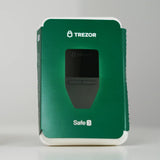
It is not the right device if you want a trusted on-device screen, fully open-source firmware, or desktop-first signing. If you are a beginner, an XRP holder, or anyone who will actually carry a cold wallet every day, the DCENT S is an easy recommendation at this price. If you store a very large stack and want verifiable open hardware plus a screen you can read without trusting the phone, spend more on something like a Trezor Safe 7 or DCENTs own biometric model. For everyone else, this card does the important job. Keys stay offline, backup is included in the box, and using it is as close to tapping a credit card as cold storage gets.
Comparing DCENT S against Tangem? I put both card wallets side by side: DCENT S vs Tangem: Card Wallet Comparison.
Ready to buy the DCENT S?
Starting at $53. Check current price before you buy.
Buy DCENT S →Affiliate link · No extra cost to you

This page contains affiliate links. If you buy through them, I may earn a small commission at no extra cost to you. I only review products I have personally tested.