
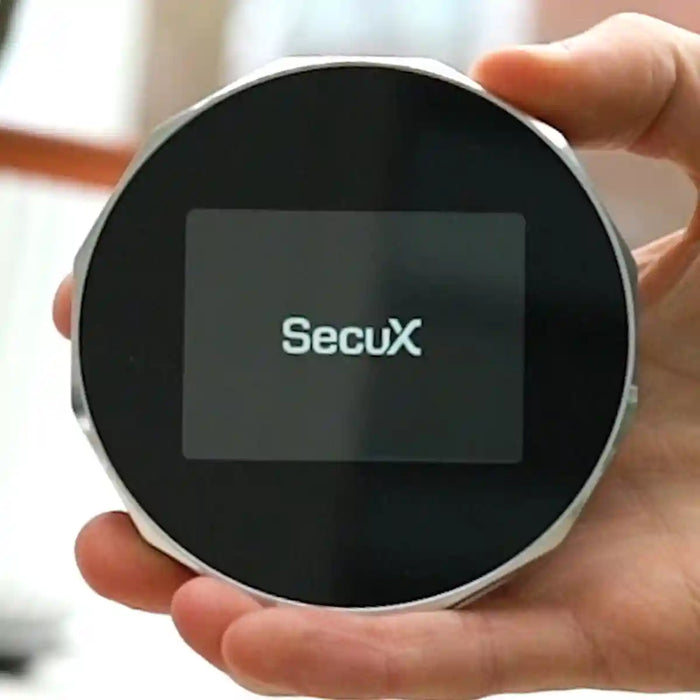

SecuX V20 Review
Best for: Large touchscreen + Bluetooth, wide token coverage
$99
Score Breakdown
Quick Specs
Watch: SecuX V20 Review
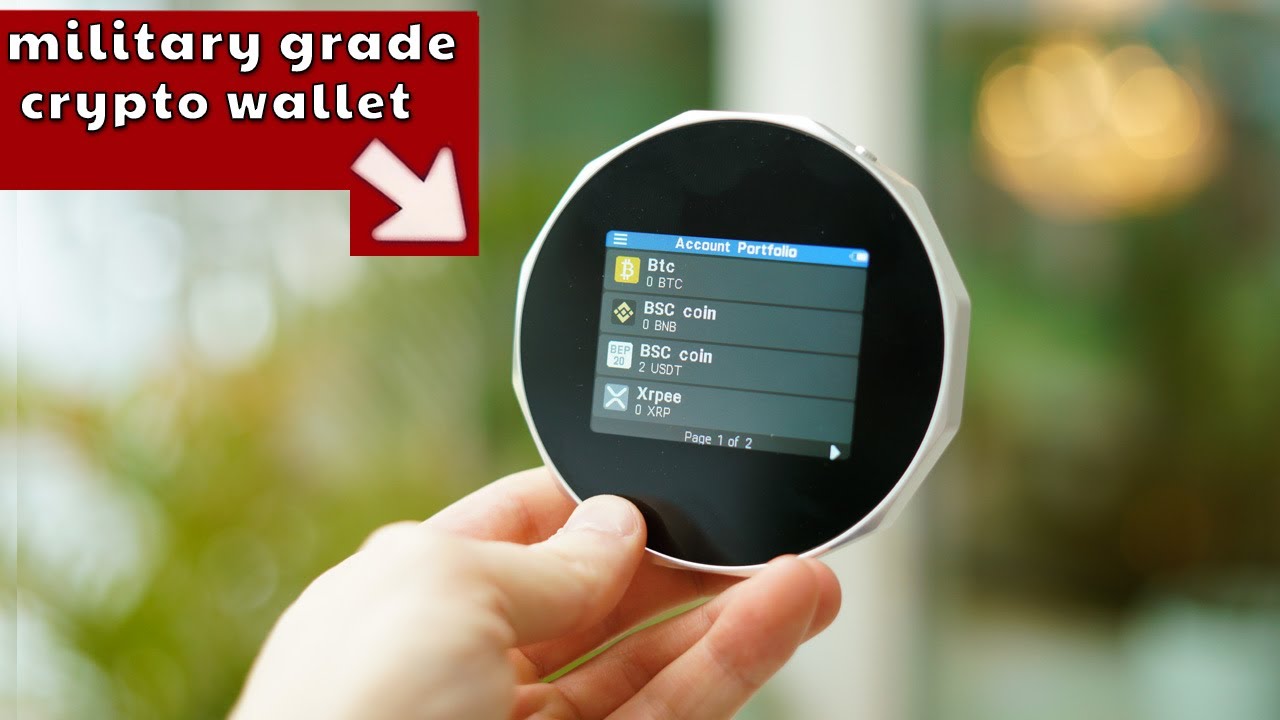
Hands-on video review of the SecuX V20
Pros & Cons
Pros
- Large 2.8-inch color touchscreen — addresses and amounts are readable on device
- Infineon CC EAL5+ secure element holds the private keys
- Bluetooth 5 for iPhone and Android; USB-C for desktop via SecuXess web app
- 10,000+ tokens and 300+ chains — one of the widest token lists in this price range
- Solana, SPL tokens, and Solana Token 2022 supported
- WalletConnect 2.0 and MetaMask QR pairing for DeFi
- BIP39 hidden wallet (passphrase) for an extra layer of separation
Cons
- Round aluminum body is bulky — doesn't fit a card slot or feel like a USB stick
- Long setup: PIN, device name, 24-word seed, app password, Bluetooth pairing, plus a separate firmware updater
- Secure element firmware is not open source — no independent verification possible
- Not air-gapped: Bluetooth and USB are always part of the design
- No IP rating, no fingerprint sensor, no microSD air-gap path
- Smaller brand than Ledger or Trezor — narrower third-party wallet support
The SecuX V20 is a round aluminum hardware wallet from SecuX Technology, a Taiwanese company founded in 2018. It launched in 2019 with a 2.8-inch color touchscreen, Bluetooth 5 for mobile use, USB-C for desktop, and an Infineon CC EAL5+ secure element. In 2026 it is still sold, and the companion app has expanded significantly since launch. Current coin support covers 10,000+ tokens across 300+ chains.
The private keys are generated inside the V20 and never leave the device. The phone or computer prepares the transaction and connects to the network. Approving on the device screen is what actually authorises a send.
This review covers the physical design, setup, backup, app pairing, WalletConnect, hidden wallet, coin support, and the trade-offs that still matter in 2026.
What Is in the Box


- SecuX V20
- USB-C cable
- Protective pouch
- Two paper recovery sheets
- Quick start guide
Charge the device for at least 2 hours before the first setup.
SecuX V20 Setup Guide
Before anything else, check that the box seal is intact and the device has no signs of physical tampering. The V20 should show a first-boot screen prompting you to create a new wallet. If it asks to restore an existing wallet immediately, do not proceed with that device.
Do this at home. Do not film the seed screen. Do not type the 24 words into a phone, chat, or website.

You need: the sealed V20, the USB-C cable from the box, a charger or computer USB port, a phone with the official SecuX Wallet app (iOS 12+ or Android 6.0+), and a pen. For desktop use, Chrome with SecuXess is optional.
Official resources: secuxtech.com and the V20 setup guide.
Step 1: Power on and set the PIN

- Hold the power button for at least 2 seconds until the SecuX logo appears.
- Set a 4-8 digit PIN on the touchscreen. Enter it twice.
- Skip easy PINs like 1234, 0000, or a birthday.
- Name the device with 1-15 English letters. That name appears when you pair over Bluetooth or USB.
The PIN pad changes layout each time, which makes shoulder-surfing harder.
Step 2: Create the wallet and write the seed

- Choose to set up a new wallet.
- Write the 24 recovery words in order. The screen shows 6 words at a time.
- Use the paper sheets from the box. No phone photo. No cloud note.
- Confirm the words with the on-screen check. If you get more than 5 wrong, the device discards the seed and makes a new one.
If you are restoring an existing wallet, choose recover instead. The V20 supports 12, 18, or 24 words.
Store the paper away from the device. That paper is the wallet if the V20 is lost, stolen, or broken.
Step 3: Connect the mobile app over Bluetooth

- Install the SecuX Wallet app from the App Store or Google Play.
- Create the app password. This protects the app view and is separate from the device PIN.
- On the V20, open the menu and turn Bluetooth on.
- In the app, search for the device name you chose and type the security code shown on the V20.
- After pairing, add the accounts you need: Bitcoin, Ethereum, BNB Smart Chain, Solana, and so on.
Desktop use goes through SecuXess in Chrome over USB-C. Turn Bluetooth off on the device when using the USB web path, as the official updater requires it.
Step 4: Update firmware before depositing real funds
Firmware updates are not done inside the normal portfolio app. Two official paths exist:
Mobile: SecuX Firmware Update app on iOS or Android, over Bluetooth. Hold the power button for 10 seconds to enter update mode, then follow the app. Do not switch apps, lock the phone, or unplug until it finishes.
Desktop: SecuXess in Chrome over USB. Same rule: do not interrupt the process. Keep your seed nearby in case the device asks you to restore after a failed update.
Hidden Wallet

The V20 supports a BIP39 passphrase to create a hidden wallet. Your 24 words plus a passphrase produce a completely different set of accounts. If you lose the passphrase, those funds cannot be recovered from the paper seed alone.
Write the passphrase on paper and store it separately from the 24 words. The device PIN and app password do not replace it.
WalletConnect and DeFi

- Open the dApp in your phone browser.
- Choose WalletConnect, then open WalletConnect in the SecuX app and scan the QR.
- Check the request on the V20 screen.
- Approve on the device, then confirm in the app.
WalletConnect 2.0 is the current official path. MetaMask can also be linked via QR from the V20. If the address or amount on the device does not match what you typed, reject it.
Coin and Token Support
Official support is 10,000+ coins and tokens on 300+ chains. Common assets include Bitcoin, Ethereum, Solana, Cardano, XRP, BNB, Tron, Stellar, Dogecoin, Litecoin, Bitcoin Cash, plus USDT and USDC on supported networks. Token standards covered: ERC-20 on Ethereum, BEP-20 on BNB Smart Chain, SPL and Token 2022 on Solana, TRC-10 and TRC-20 on Tron. Extra EVM chains can be added manually in SecuXess.
In the app you create an account per network, then enable tokens under that account. On BNB Smart Chain you need BNB for fees even if the token you want to move is USDT. A token may not appear by name until you enable it under Manage Tokens, or until the first incoming transaction arrives. Before sending a new token, confirm the address and network on the V20 screen.
Full Review
The SecuX V20 is built around an Infineon EAL5+ secure element and a Nordic nRF52840 chip for Bluetooth. Private keys are created and stored inside the secure element. The phone and computer only build transactions and communicate with the network. Signing happens on the device.
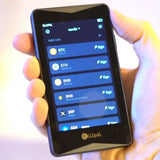
The design is the thing people notice first. It is a thick round aluminum puck with a 2.8-inch color touchscreen. That screen is the main reason to consider this wallet over a two-button stick device. Reading an address on the V20 is straightforward. The downside is size and form factor: it does not fit in a card slot, does not look like a USB stick, and takes up more pocket or drawer space than most alternatives.
Setup is not hard, but it is long. Setting a PIN, naming the device, writing 24 words, confirming them, creating an app password, pairing Bluetooth, and then running a separate firmware updater adds up. None of those steps require technical knowledge. Together they take more time than a modern card wallet like Tangem or DCENT S.
Once paired, daily use is straightforward for Bitcoin and the major networks. Create an account, copy the receive address, send a test amount first, then send properly by approving on the V20 screen. The touchscreen is responsive. Approving on the device is the security step that matters.
Token support is the biggest improvement since early reviews. Solana, a long EVM chain list, TRC-20, SPL tokens, and WalletConnect 2.0 are all there now. That is why compatibility scores high. The weak spot is still the account structure. Beginners can open the wrong chain, forget that BNB pays BSC fees, or try to send a token before enabling it in the app. Add one network at a time and do a small test receive first.
Security is mixed in the way most Bluetooth touchscreen wallets are mixed. EAL5+ chip and on-device approval are real. Closed secure-element firmware and a companion app you have to trust are real limitations too. A 2021 security advisory noted that companion software could push arbitrary text to the device screen. That is not the same as stolen keys, but it is a reason to always confirm address and amount on the device rather than trusting every on-screen message.
The V20 competes at a mid-range price. It is not the cheapest way to get a hardware wallet, and it is not the most secure. It is a readable, Bluetooth-capable device with wide coin coverage. If that combination fits what you need, it still works in 2026.
Security Record
2018-2019: SecuX founded. V20, W20, and W10 launch with an Infineon CC EAL5+ secure element from day one.
2021: Independent security researchers found that companion software could push arbitrary text to the device screen, weakening the assumption that every on-screen message is device-generated and trustworthy. This is a screen-trust concern, not a key extraction. It is a reason to confirm address and amount on every send and to ignore unexpected on-screen messages you did not initiate.
2023-2026: Coin and dApp support has expanded significantly: 300+ EVM chains, Solana, WalletConnect 2.0, MetaMask QR. WalletScrutiny marks the V20 as not fully verifiable because secure-element firmware is closed.
No known company-side key custody. SecuX does not store your 24 words on its servers. Anyone who contacts you asking for the seed is not SecuX.
Verdict
The SecuX V20 scores 81. The screen, chain coverage, and app are good enough for daily self-custody at a mid-range price. Closed firmware, a long setup process, and a bulky 2019 form factor keep it out of the top tier.
Buy it if you want a readable color touchscreen, Bluetooth on iPhone or Android, and wide token coverage without paying flagship prices. Skip it if you want a slim card wallet, fully open firmware, QR air-gap signing, or the simplest possible setup in this price range.
FAQ
Is the SecuX V20 still sold in 2026?
Yes. It is SecuX's older aluminum flagship. SecuX also sells the W20, W10, V20-PLUS, and newer Neo models.
Does the SecuX V20 work with iPhone?
Yes. Pair it with the SecuX Wallet app over Bluetooth. Requires iOS 12 or newer.
How many coins does the SecuX V20 support?
10,000+ coins and tokens across 300+ chains, including BTC, ETH, SOL, XRP, BNB, TRX, and major token standards such as ERC-20, BEP-20, SPL, and TRC-20.
Can I use MetaMask with the SecuX V20?
Yes, via QR-based MetaMask linking. WalletConnect 2.0 from the SecuX app also works.
What seed phrase does the SecuX V20 use?
A new wallet generates 24 words. Restoring supports 12, 18, or 24 words.
Is the SecuX V20 open source?
Partially. Some MCU code is on GitHub. The secure element firmware is closed and cannot be independently verified.
Ready to buy the SecuX V20?
Starting at $99. Check current price before you buy.
Buy SecuX V20 →Affiliate link · No extra cost to you
This page contains affiliate links. If you buy through them, I may earn a small commission at no extra cost to you. I only review products I have personally tested.