
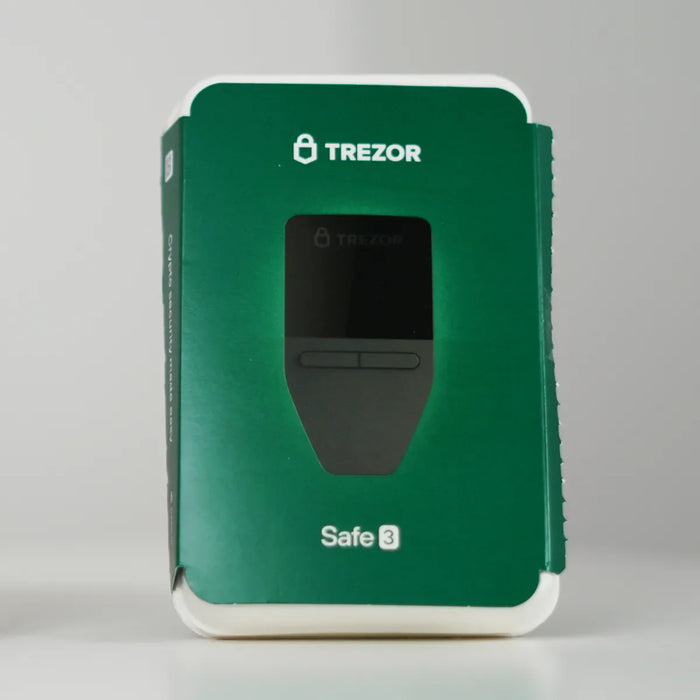
Trezor Safe 3 Review
Best for: Budget + open source
Score Breakdown
Quick Specs
Watch: Trezor Safe 3 Review
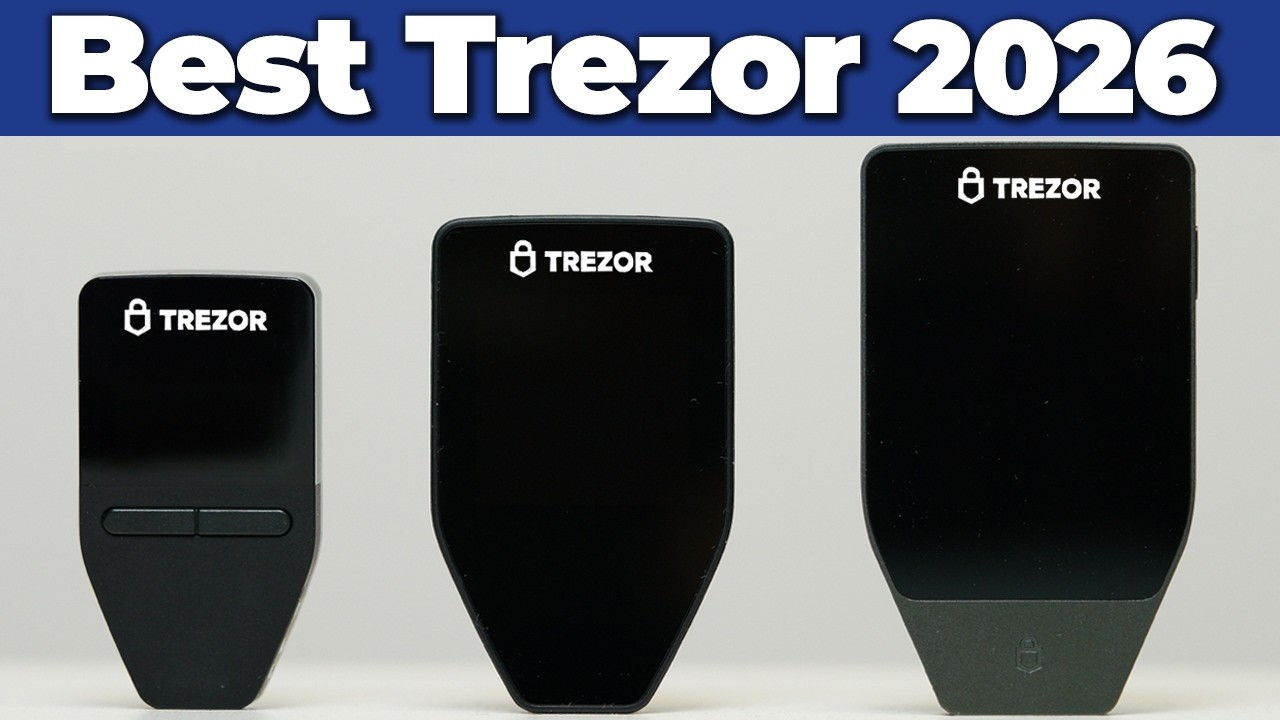
Hands-on video review of the Trezor Safe 3
Pros & Cons
Pros
- Most affordable Trezor with an EAL6+ secure element chip
- Fully open source firmware, apps, and hardware designs
- Clean security track record since 2014 with no data breaches
- Multi-share Backup (Shamir) for distributed seed phrase storage
- Tor support built into Trezor Suite for network privacy
- Small and lightweight at only 14 grams
Cons
- Two physical buttons - no touchscreen
- Small monochrome display makes verifying long addresses harder
- Limited iPhone support - sending and setup requires desktop or Android
- No Bluetooth or wireless connectivity (USB-C cable only)
- No water or dust rating
The Trezor Safe 3 is the most affordable wallet from a company with a genuinely clean security record. No data breaches of their own main systems since 2014, fully open source code, and a solid EAL6+ certified secure element chip. For most people who want reliable cold storage without spending a lot, this is where I would point them.
What you get
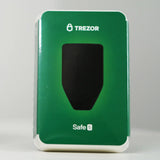
The Safe 3 is a small device with two physical buttons and a monochrome screen. You navigate menus and confirm transactions using those buttons. It connects to your computer via USB-C cable and you manage everything through the Trezor Suite desktop program (or the Trezor Wallet app on mobile for Android users). The setup is straightforward, but it does take 10 to 15 minutes because you have to write down your seed phrase carefully.
Open source and EAL6+ security
The security chip is EAL6+ certified, which is the same standard used in passports and bank cards, and the same standard found in most modern hardware wallets. What makes Trezor different from most other wallet companies is that the entire codebase is open source, which means anyone can audit the firmware, the app, and the hardware designs. That transparency is Trezor's main differentiator and it applies to all their device models including the Safe 3.
The two-button interface
The two-button navigation is something people either like or don't. Personally I prefer physical buttons for cold storage where I'm not making transactions constantly. There's no risk of an accidental touch confirming something you didn't intend. Every confirmation is deliberate. That said, navigating menus and entering passphrases on a small monochrome screen takes some getting used to compared to a touchscreen. If buttons frustrate you, the Safe 5 adds a touchscreen at a higher price.

iPhone users need to know this
The Safe 3 does not work well on iPhone. You can use it with Android via cable, but iPhone users need a desktop computer to send transactions, swap, set up the device, or manage anything beyond just checking balances and receiving. If your phone is your primary device and it's an iPhone, look at the Safe 7 instead, which has Bluetooth and works fully on both mobile and PC.
Privacy features and backup options
The Safe 3 includes Tor support built into Trezor Suite, which routes your wallet connections through the privacy network to hide your IP address. It also generates fresh receiving addresses by default for Bitcoin and other UTXO networks, which is the privacy-friendly and future-secure approach. Many other wallets reuse the same address every time, which exposes your public key permanently to the blockchain and creates real privacy and quantum-related risks down the line.
The Safe 3 also supports Multi-share Backup (also called Shamir Backup), where you can split your seed phrase into multiple shares and decide how many are needed to recover the wallet. For example, you could create 5 shares and require any 3 of them to restore. This removes the single point of failure that traditional seed phrases have. You can also stick with a regular 12-, 20-, or 24-word backup if you prefer.
Security track record
Trezor has had one notable security incident worth mentioning. In early 2024, a third-party support tool they were using got compromised, and attackers used it to send phishing emails to about 66,000 Trezor users. Customer email addresses and names were exposed. This was a third-party vendor issue, not a breach of Trezor's main systems, and they handled it openly with a full public report. In June 2026, Ledger's own security research team found a vulnerability in the Safe 7's TROPIC01 chip and Trezor disclosed it publicly alongside them. I covered that story in my video Trezor Just Got Hacked - And It Made Me Trust Them More, which explains why that kind of transparency is exactly what you want from a company protecting your funds.
Compared to Ledger's history of multiple data breaches including home addresses being leaked publicly, Trezor's track record is significantly cleaner. If you want to understand what Ledger's incident history actually looks like, After 7 Years, Why I Won't Buy Another Ledger Wallet goes through all of it.
For anyone who wants solid offline cold storage from a proven company without spending more than necessary, the Safe 3 does everything you need at a low price. If you primarily use a desktop or laptop rather than a phone, if buttons don't bother you, and if open source transparency matters to you, the Safe 3 is one of the strongest entry-level hardware wallet options available today.
Verdict
The Trezor Safe 3 is the best entry-level hardware wallet for users who value open-source transparency and a clean security track record above premium features. At $79, you get the same EAL6+ secure element chip, the same open-source firmware, and the same Multi-share Backup support as Trezor's more expensive models. The trade-offs are real (small screen, button navigation, limited iPhone support) but the core security is identical to the Safe 5. For desktop-first or Android users who want serious self-custody without paying premium prices, the Safe 3 is a strong recommendation.
Prefer the 60-second version? I also do short-form reviews for a quick take before you read the full thing:
Ready to buy the Trezor Safe 3?
Starting at $79. Check current price before you buy.
Buy Trezor Safe 3 →Affiliate link · No extra cost to you
This page contains affiliate links. If you buy through them, I may earn a small commission at no extra cost to you. I only review products I have personally tested.